The Ultimate Guide to Exam Master AI: How to Generate, Customize, and Print Unique Exam Papers in Under 10 Seconds
The Ultimate Guide to Exam Master AI: How to Generate, Customize, and Print Unique Exam Papers in Under 10 Seconds
The Ultimate Guide to Exam Master AI: How to Generate, Customize, and Print Unique Exam Papers in Under 10 Seconds
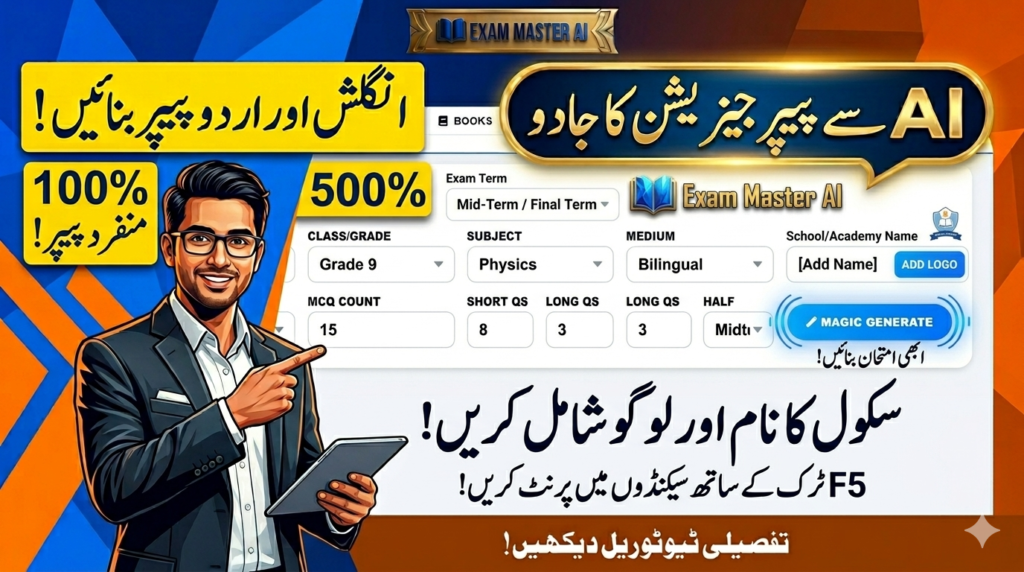
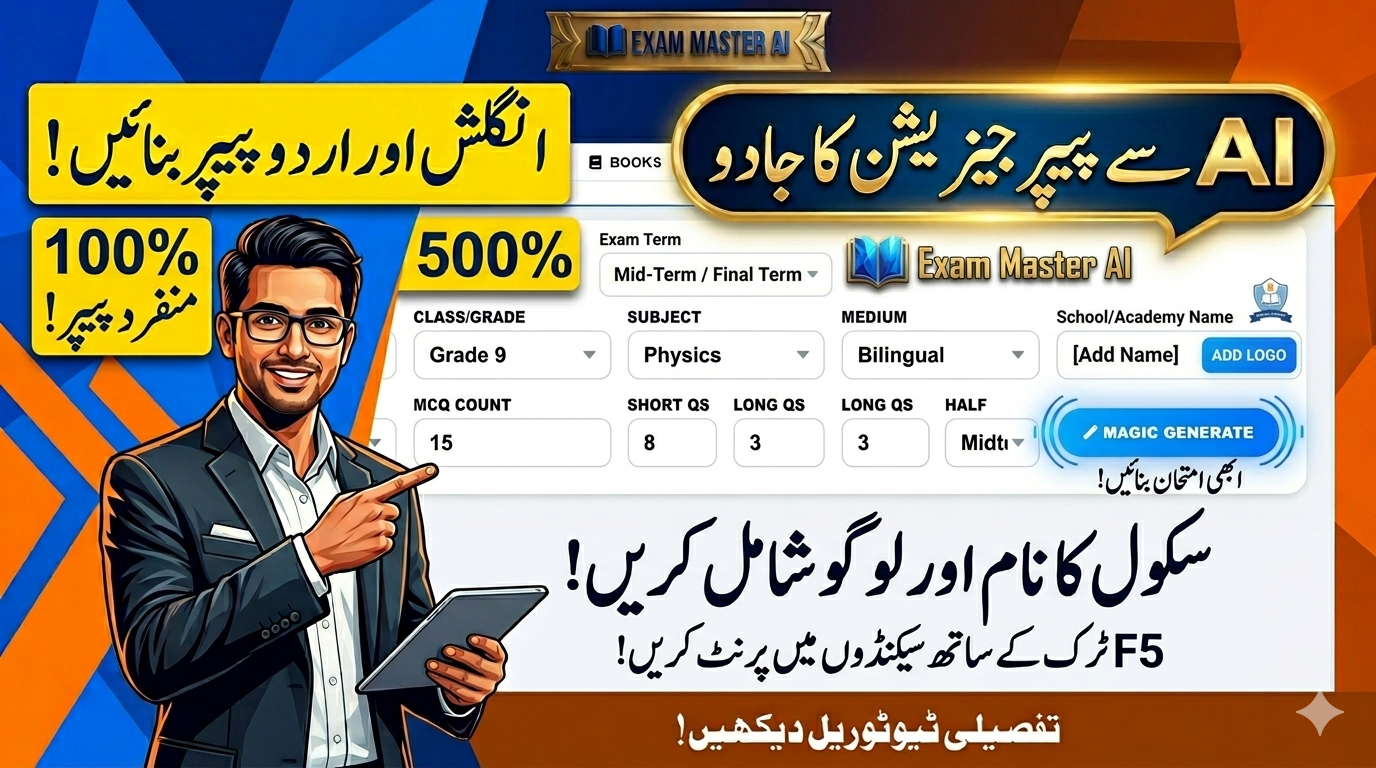
The Ultimate Guide to Exam Master AI: How to Generate, Customize, and Print Unique Exam Papers in Under 10 Seconds. Discover how to completely automate your school testing system with Exam Master AI. Learn how to customize layouts, upload logos, scale Urdu/English fonts, and use the F5 trick for anti-cheating codes!
Every educator knows the struggle: exam season approaches, and teachers spend countless hours digging through textbooks, past papers, and word processors to type out tests. Formatting bilingual papers with English and Urdu side-by-side often turns into a layout nightmare.
Enter Exam Master AI—a revolutionary online portal running on the advanced Eduma theme that transforms hours of manual labor into less than 10 seconds of automated genius.
In this comprehensive, step-by-step guide, we will walk you through every single feature of the Exam Master AI configuration dashboard. You will learn how to change headers, brand your papers, optimize font sizes, save printing costs, and execute advanced tricks to prevent student cheating.
Table of Contents
- Accessing the Portal and “Magic Generate”
- Layout Customization: Academy Mode vs. Board Style
- Fine-Tuning Exam Metadata (Terms, Sessions, and Branding)
- Advanced Typography: Mastering Font Sizes and Question Spacing
- Cost Efficiency: Utilizing “Copies per Sheet”
- The Secret Anti-Cheating Weapon: Instant F5 Code Regeneration
- Final Formatting, Previews, and Printing Options
- What’s Next? (The Student Dashboard Sneak Peek)
1. Accessing the Portal and “Magic Generate”
To begin, log into your administration portal at exammasterai.com. Navigate to the test generator section. The platform features an incredibly smart, automated database filled with thousands of verified curriculum questions.
When you select your target class, subject, and specific chapters, you simply click the “Magic Generate” button. Within seconds, a perfectly structured examination paper appears on your screen, complete with multiple-choice questions (MCQs), short answers, and long essay questions.
2. Layout Customization: Academy Mode vs. Board Style
Different educational institutions require different visual aesthetics. Exam Master AI accommodates this by offering two distinct structural modes:
- Academy Mode: This is the default setup. It features a compact header optimized for daily, weekly, or monthly class tests where space-saving is a priority.
- Board Style Layout: If you are preparing students for official board examinations (like BISE Punjab or federal boards), you can switch to this mode. Simply uncheck the “Academy Name Only” option in the configuration side panel. The layout will instantly shift to a formal, multi-column format resembling an official public board examination paper.
3. Fine-Tuning Exam Metadata (Terms, Sessions, and Branding)
Once your questions are locked in, it is time to make the paper truly yours. The configuration dashboard offers dynamic text fields that instantly update the live preview:
- Exam Term Management: Don’t be stuck with generic headers. You can manually change the text field from
MID-TERMtoFinal Term,Send-Up Exams,First Term Assessment, or any custom text of your choice. - Academic Session Control: Keep your records accurate. You can dynamically adjust the academic session string (e.g., updating from 2025-26 to 2026-27 or beyond) in a single click.
- Custom Time Frames & Marks: Easily set the allowed duration (e.g., 2 Hours, 45 Minutes) and adjust the total marks weight distribution.
- Institution Branding: Type your school or academy’s official name. To take it a step further, click the “Upload Academy Logo” button. You can select your high-resolution PNG or JPG logo file from your computer, and the portal will automatically position, resize, and embed it cleanly into the top header of the paper.
+-------------------------------------------------------------+
|                     [ YOUR ACADEMY LOGO ]                    |
|                  YOUR SCHOOL OR ACADEMY NAME                |
|  Term: Final Term | Session: 2026-27 | Time Allowed: 2 Hrs  |
+-------------------------------------------------------------+
4. Advanced Typography: Mastering Font Sizes and Question Spacing
One of the biggest headaches in bilingual paper setting (English & Urdu text combined) is that Urdu fonts naturally render differently than English fonts. Exam Master AI solves this with precision sliders:
- English Font Size: Scale the Latin characters up or down (in point size) to ensure perfect legibility.
- Urdu Font Size: Scale the Nastaliq or Arabic script independently. If the Urdu translation looks too small or tightly bunched, you can boost its specific font size without messing up the English font size.
- Question Spacing Controls: Managing paper margins is essential. By adjusting the padding/spacing counter (in pixels), you can draw questions closer together or spread them apart. If your paper is spilling over into a blank page by just one or two lines, tightening the question spacing allows you to fit everything onto a single sheet cleanly!
5. Cost Efficiency: Utilizing “Copies per Sheet”
Printing costs can heavily impact a school’s budget. If you are generating a short quiz or an MCQ-only test that only takes up half a page, printing one copy per A4 sheet wastes an immense amount of paper.
Exam Master AI includes a brilliant “Copies per Sheet” counter. By increasing this number, the portal duplicates your exact formatted exam paper side-by-side or stacked on a single sheet of paper. When you print it out, you can simply slice the paper down the middle—effectively cutting your paper costs by 50% or more!
6. The Secret Anti-Cheating Weapon: Instant F5 Code Regeneration
Student cheating is a massive challenge when administering exams. If a student manages to sneak a peak at a test paper before the period begins, the integrity of the evaluation is compromised.
Exam Master AI has a built-in, hidden security feature to handle this situation instantly: The F5 Trick.
If you are on the question generation screen and need a totally fresh variant of the exam, simply hit F5 on your keyboard. The system’s AI algorithms will instantly swap out the existing questions with fresh equivalents from the question bank. Simultaneously, it updates the EMIS Unique Code printed clearly on the right-hand margin of the paper. This allows you to generate multiple entirely unique versions of the same test in less than two seconds, making cheating virtually impossible.
7. Final Formatting, Previews, and Printing Options
Before hitting the print button, click on “Preview Copies” to see exactly how the document will look when coming out of the physical printer tray.
Crucial Tip for Teachers: Inside the preview window, always look for and select the “Fit to Print Area” option. This ensures that the digital margins match your printer’s physical margins perfectly, preventing any text or questions from being cut off at the bottom or sides of the page.
From the preview dashboard, you have three distinct execution choices:
- Apply & Print: Send the document straight to your local connected laser printer.
- Download Paper PDF: Save a high-quality, un-editable digital PDF copy to your hard drive for cloud storage or sharing.
- Download Answer Sheet PDF: With a single click, download the automatically generated answer key sheet, saving teachers from having to solve the paper manually to grade it.
8. What’s Coming Next? (The Student Dashboard Sneak Peek)
Our platform is expanding! While this guide covers the extensive administrative features built for teachers and administrators, our next article will look at Exam Master AI from the perspective of the learner.
We will provide a full breakdown of the upcoming Student Portal, explaining how students can register accounts, log into their personalized dashboards, select their specific classes, and attempt practice quizzes or mock exams online with instant automated grading feedback. Stay tuned, and happy teaching!
Tag:Automated Question Bank, Automated Test Creator, Board Paper Style Generator, Create Test Paper, Exam Master AI, Exam Master Portal, exammasterai, Fast Exam Generator, How to print exam papers, Online Paper Setter, paper generator, Physics Chemistry Math Paper Generator, School Exam Management, School Software Pakistan, Teacher Resource Portal, Urdu Paper Formatting