Generate unique exam papers by Class on Exam Master AI
How to Generate and Print Unique Exam Papers by Class on Exam Master AI
How to Generate and Print Unique Exam Papers by Class on Exam Master AI. Learn how to sign in as a teacher on Exam Master AI, filter by specific classes, and generate 100% unique, print-ready bilingual exam papers in just seconds!
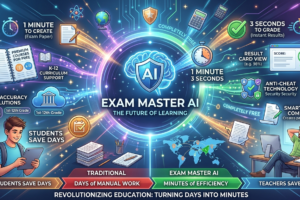
For generations, educators have spent endless hours manual-typing question sheets, translating sentences, and managing separate test files for different classes. With Exam Master AI (exammasterai.com), that administrative burden is officially gone.
Once you sign in to the premium teacher portal (portal.exammasterai.com), you gain access to an intelligent engine that lets you select relevant classes and generate 100% unique, print-ready exam papers within seconds. Here is a comprehensive guide on how to utilize this groundbreaking feature.
Step 1: Sign In to Your Teacher Dashboard
To begin, head over to the portal link and enter your credentials. Upon authentication, you will be redirected to the secure workspace (dashboard.php), where the AI Smart Generator sits ready to handle your academic requests.
Step 2: Select Your Target Class and Subject
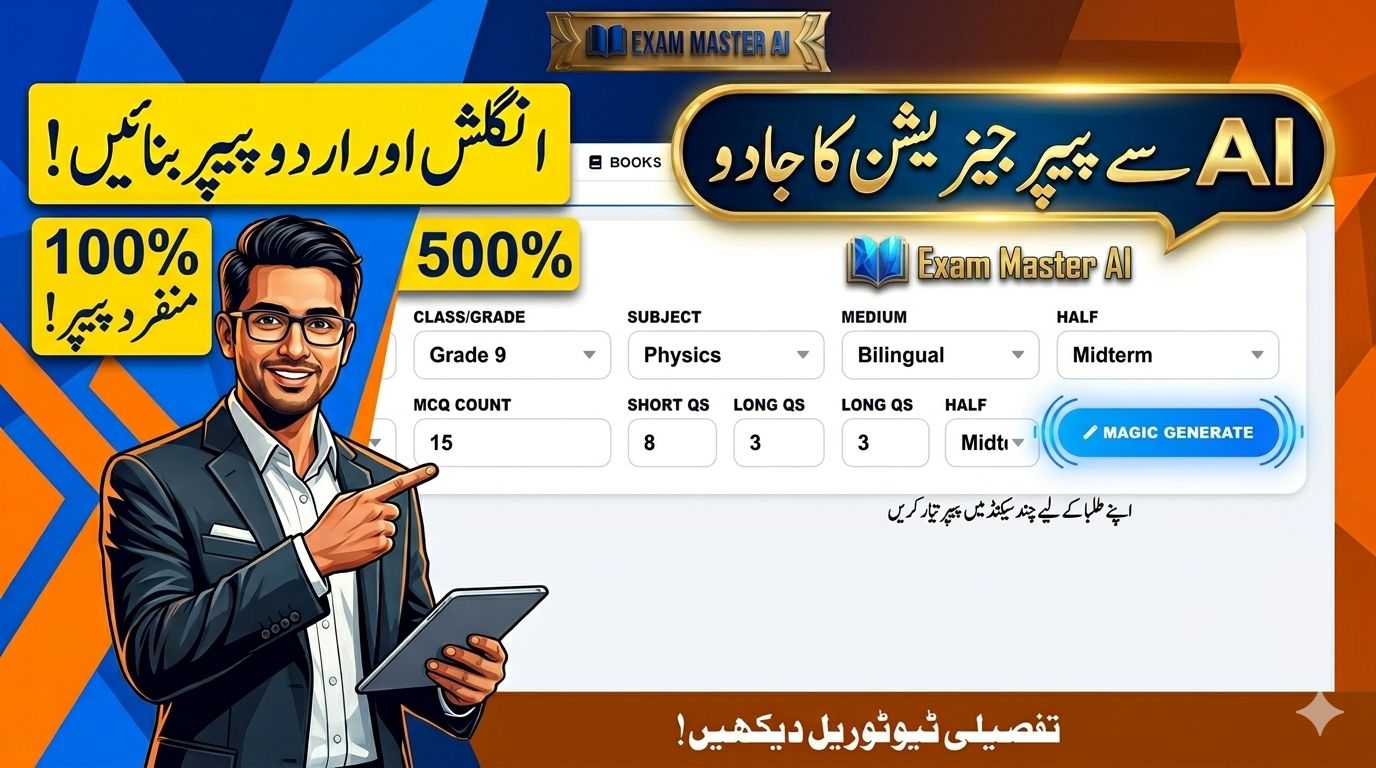
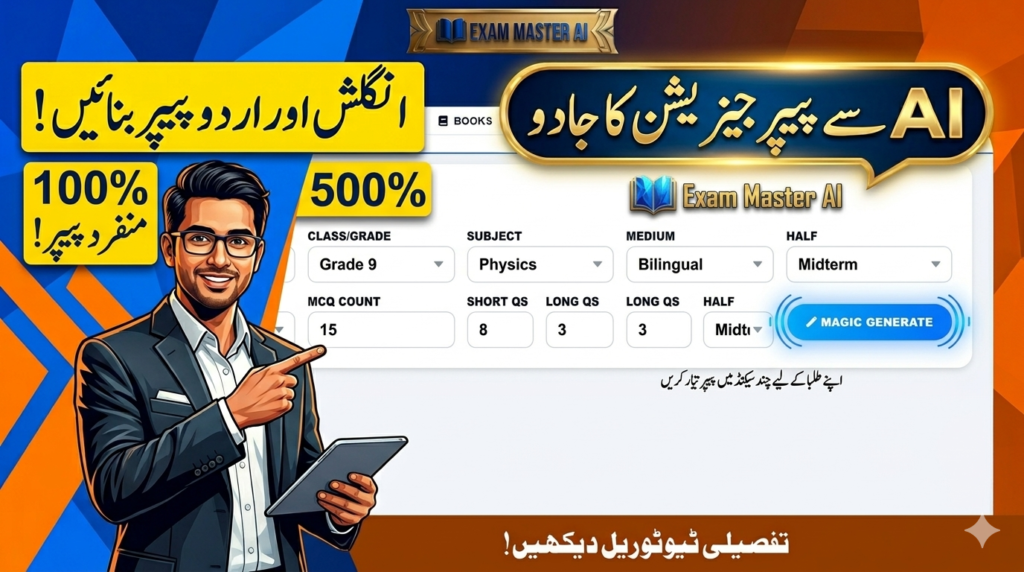
The platform organizes massive question repositories cleanly into filtered layers. On the main control panel, teachers can easily use the dropdown selectors to choose:
- Class / Grade: Filter seamlessly by selecting individual classes or “All Classes”.
- Subject: Choose or type the relevant subject you want to evaluate.
- Medium: Select English Medium, Urdu Medium, or English and Urdu (Bilingual Combined) to cater to all student types automatically.
- Syllabus Range: Define if you want a Chapter-wise quiz, Midterm distribution, First-Half/Second-Half syllabus, or a Full Book exam.
Step 3: Define Your Question Count (MCQs, Short & Long Qs)
Customization is entirely under your control. Inside the budget counters, simply enter the exact number of items your testing layout requires:
- MCQ Count (Section A: Objective)
- Short Questions Count (Section B)
- Long Questions Count (Section C)
Step 4: Click “Magic Generate” for a 100% Unique Paper
One of the most powerful core benefits of Exam Master AI is its uniqueness guarantee. When you press the glowing blue “Magic Generate” button, the system’s smart automation algorithm curates a totally fresh set of questions.
Every single test paper generated is entirely different from any previous paper made on the platform. This completely eliminates the possibility of question leakage or student repetition, ensuring a pure evaluation environment.
Step 5: Live Preview and Direct Printing
Directly below the control options, the dashboard presents an interactive live preview layout. You can instantly view the beautifully rendered questions, where English text and Urdu translations are aligned cleanly underneath each other.
Once you are satisfied with the question selection, the portal offers a built-in pro-printing tool. You can download or print the document directly from your web browser, giving you a perfectly formatted, professional hard copy ready to be distributed to your school or academy classes instantly!
Conclusion: Smart Testing Made Easy
Exam Master AI bridges the gap between massive textbooks and print-ready evaluations. By giving teachers the capability to log in, filter by class, and generate 100% unique tests on demand, it establishes the ultimate benchmark for modern education management in Pakistan.
🔗 Try it yourself today: Launch Exam Master AI Portal