The Ultimate Online Learning Glossary: Digital Testing & AI Terms Explained
Master the language of e-learning. Explore our ultimate Online Learning Glossary covering student portals, AI grading, CBT parameters, and performance tracking.
The educational landscape is shifting rapidly from traditional classrooms to dynamic digital environments. Platforms like Exammasterai are at the forefront of this revolution, transforming how schools, academies, and private students approach assessments. However, navigating modern e-learning ecosystems comes with a unique set of terminology.
Whether you are a student preparing for an online quiz, a teacher configuring custom syllabus ranges, or a parent reviewing a digital report card, understanding these key concepts is essential. This comprehensive Online Learning Glossary defines the critical terms powering contemporary smart education and computer-based testing (CBT).
1. Core Portal & Account Navigation
Student Control Panel (Dashboard)
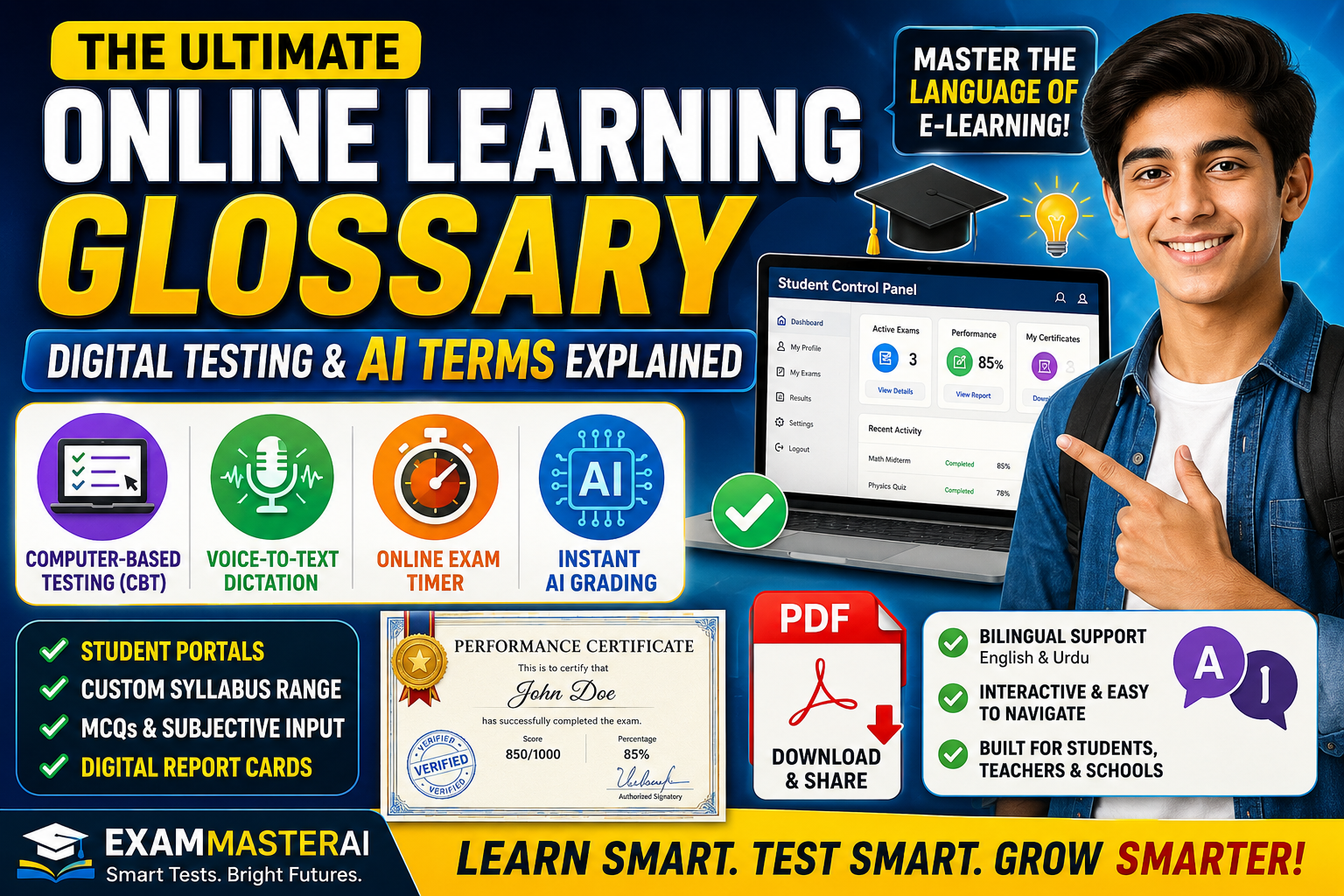
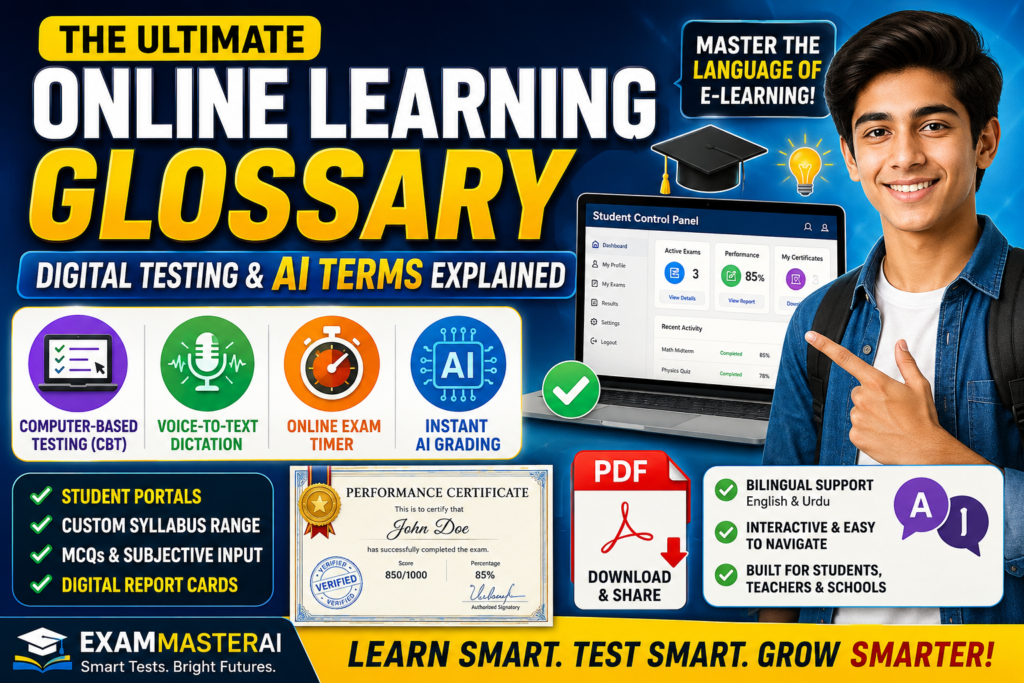
The centralized, user-friendly digital interface where a student manages their academic profile, configures exam settings, views active testing schedules, and tracks historical grades. It acts as the personalized command center for all student activities on an educational portal.
Drop-Down Menu Selection
An interactive user-interface element that reveals a list of selectable roles or parameters when clicked. On advanced portals, this allows users to accurately choose between different entrance pathways, such as School Students, teachers, or administrators, ensuring they land on the correct customized dashboard.
Re-direction
The automated process where a web platform safely routes a user from one webpage to another after a specific action is completed. For example, immediately after inputting correct credentials and clicking the sign-in button, the system triggers a secure re-direction straight to the main assessment control panel.
2. Exam Customization & CBT Parameters
Computer-Based Testing (CBT)
Any form of academic assessment, quiz, midterm, or final exam delivered, administered, and submitted entirely through digital devices like computers, tablets, or smartphones instead of traditional pen-and-paper formats.
Chapter/Unit Partitioning
The process of dividing an entire textbook or academic syllabus into distinct sections—such as individual units or specific chapters—allowing students to focus their online practice on targeted topics rather than the entire curriculum at once.
Unit Part (First Half / Second Half)
An advanced filtering setting that allows users to segment a single extensive chapter into smaller sub-sections. Students can choose to test on the First Half of a unit, the Second Half, or the Full Unit, offering micro-level mastery over dense academic subjects like Class 9 Physics or Computer Science.
Custom Range / Term Syllabus Range
An assessment filter used to group multiple distinct topics, chapters, or units together for cumulative testing. This parameter is ideal for generating simulated midterm exams, grand tests, or specialized term papers tailored to an academy’s unique weekly schedule.
Language Medium
The primary language instruction setting chosen for an evaluation sheet. E-learning platforms offer flexibility, allowing students to generate papers completely in English medium, Urdu medium, or bilingual formats depending on their school board requirements.
3. Question Formats & Interactive Input Modes
Multiple Choice Questions (MCQs)
An objective assessment format consisting of a stem question followed by several pre-defined options. Students simply evaluate the options and click on the radio button corresponding to the correct answer, enabling fast cognitive testing.
Subjective Questions (Short & Long Form)
Open-ended questions that require students to formulate and compose original, descriptive answers instead of selecting from pre-set choices. Short questions evaluate concise comprehension, while long questions test deep conceptual understanding.
Voice-to-Text Dictation (Mic Input)
An advanced, AI-driven accessibility feature that allows students to answer long text questions verbally. By clicking a built-in microphone icon, the platform records the student’s spoken words and automatically transcribes them into typed text in real time. High-end platforms support this voice recognition seamlessly in both English and Urdu.
4. Evaluation, Grading & Performance Analytics
Countdown Exam Timer
A synchronized, live digital clock displayed prominently on an online exam screen that tracks remaining minutes and seconds. It keeps the student constantly aware of their pace, encouraging efficient time-management habits during the assessment.
Instant AI Grading Engine
An automated backend software algorithm that processes student responses immediately upon paper submission. It bypasses manual paper checking, calculating raw scores, percentages, and correct answers within 2 to 3 seconds of clicking submit.
Performance Certificate / Digital Report Card
A comprehensive, formally generated digital document that serves as verified proof of a student’s test performance. It dynamically compiles the student’s personal information, total marks, scores obtained, overall percentage, and incorporates an automated digital stamp and official signature for authentication.
PDF Export / Download PDF
A feature that allows users to convert dynamic online results into a flattened, secure Portable Document Format (PDF) file with one click. This downloadable file can be archived on devices, printed out physically, or distributed instantly to parents via communication channels like WhatsApp.
Summary Cheat-Sheet
| Term | Category | Primary Function |
| School Student Login | Portal Access | Grants students custom entry into their specific test dashboard. |
| Unit Part (Half/Full) | Test Configuration | Divides textbook chapters into specific testing ranges for targeted study. |
| Voice-to-Text (Mic) | Question Input | Converts verbal speech into written text answers for subjective questions. |
| Performance Certificate | Analytics & Records | Provides an instant, officially stamped report card downloadable in PDF format. |
Conclusion
Familiarity with these online learning and digital testing terms ensures that students can navigate portals smoothly without technical hesitation. By leveraging custom ranges, interactive voice inputs, and instant PDF reporting, modern portals make the assessment journey productive, clear, and highly efficient for schools and independent learners alike.
Keep exploring the capabilities of Exammasterai to maximize your academic growth and streamline your preparation for school boards!
Focus Tags for this Post (Single Paragraph)
online learning glossary, digital testing terms, exammasterai, student control panel, computer-based testing cbt, unit partitioning, voice to text exam, instant ai grading, performance certificate pdf, e-learning terminology, online exam timer, school student login, subjective question input, bilingual voice dictation, digital report card
Tag:Course